Can I get AI on Windows 10?
Yes. The Copilot app runs on Windows 10, Microsoft 365 apps keep getting security updates there until October 10, 2028, and Claude, Gemini, Perplexity and Ace all list Windows 10 support. What Windows 10 can’t get are Windows 11’s own AI features, such as live captions, voice access and everything reserved for Copilot+ PCs. Support ended on October 14, 2025, so enroll in Extended Security Updates or plan a move.

Free Play: 2,000 credits, no card. Ace by Black Label.

AI that runs on Windows 10 today
| Option | On Windows 10? | Note |
|---|---|---|
| Copilot app | Yes | Microsoft says it can be used on Windows 10 and Windows 11 |
| Copilot in Word, Excel and Outlook | Yes, with an eligible Microsoft 365 plan | Feature and Copilot updates continue until Version 2608, then security updates only, until October 10, 2028 |
| Microsoft Edge | Yes | Keeps updating on Windows 10 version 22H2 until at least October 2028 |
| Voice typing | Yes, Windows key + H | Uses online speech recognition |
| Claude, Gemini and Perplexity apps | Yes | Each lists Windows 10 or later; Gemini also asks for 8 GB of memory, Perplexity for version 1809 or later |
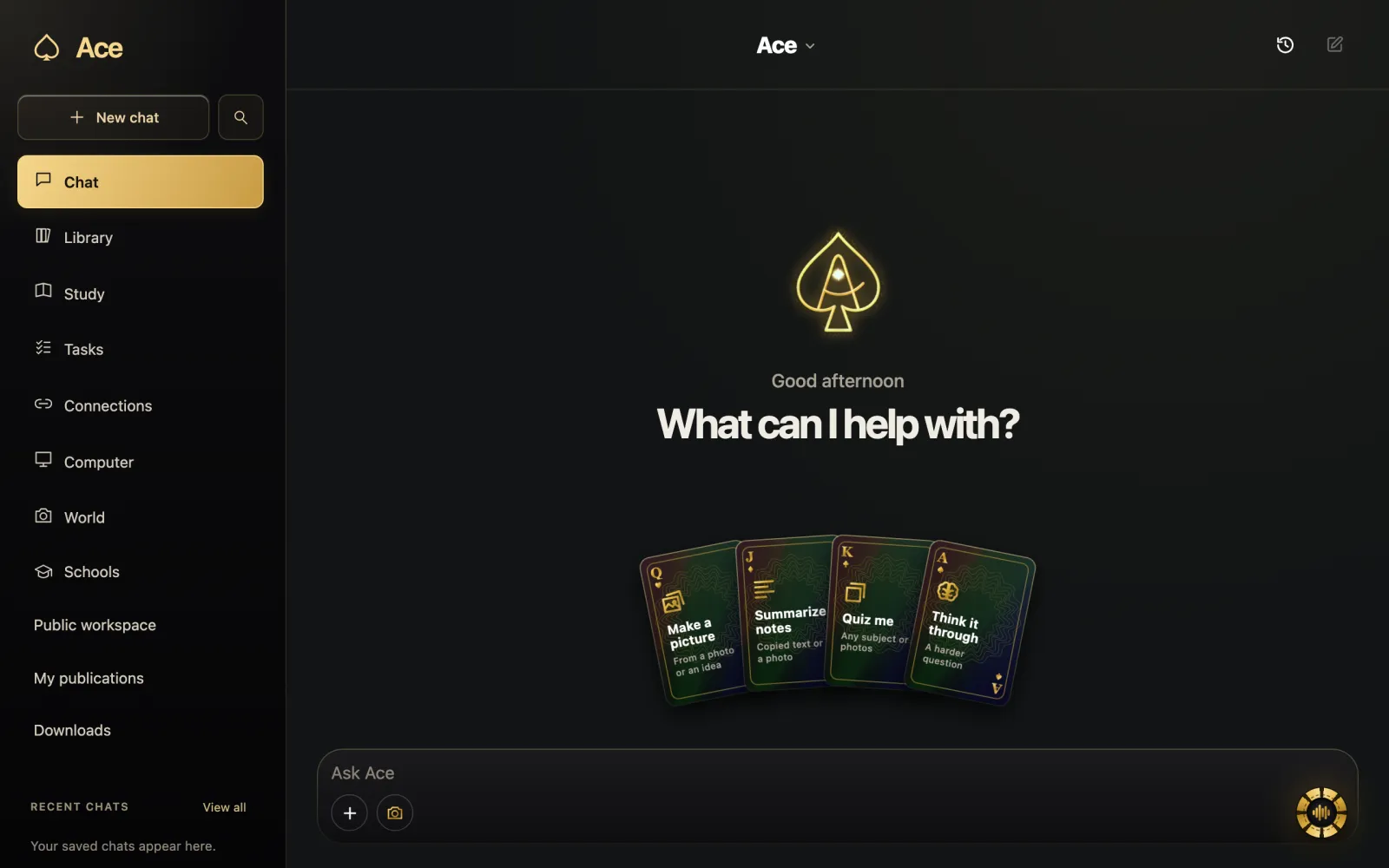
| Ace | Yes | Hold Ctrl + Shift to talk; made by the team behind this guide |
What stays on Windows 11
- Live captions, which need Windows 11 version 22H2 or later.
- Voice access, which replaced the deprecated Windows Speech Recognition on Windows 11.
- Everything that needs a Copilot+ PC: Click to Do, Recall, improved Windows search, the agent in Settings, live captions translation, and the Copilot+ features in Paint and Photos.
Copilot+ PCs are new hardware with a neural processor rated above 40 trillion operations per second, so those features can’t arrive on an older PC through a software upgrade alone.
End of support, and why it matters for AI
Microsoft ended Windows 10 support on October 14, 2025. The PC keeps working, but without security updates it grows riskier month by month, and AI tools are online by nature: they send what you ask over the internet and often handle documents and email.
Home users can bridge the gap with Extended Security Updates, which Microsoft offers through October 12, 2027. Go to Settings > Update & Security > Windows Update and select Enroll now. It costs nothing if you sync your PC settings; otherwise it takes 1,000 Microsoft Rewards points or a one-time $30 plus tax, and one license covers up to 10 devices. You need Windows 10 version 22H2 and an administrator Microsoft account that isn’t a child account.
Everyday AI tasks on Windows 10
Without Windows 11’s extras, a few habits cover most needs:
- Dictate an email: click into the message and press Windows key + H.
- Ask quick questions: open the Copilot app, or Copilot in Edge.
- Show an assistant an error or a scanned page: press Windows key + Shift + S to copy part of the screen, then paste the image into the chat.
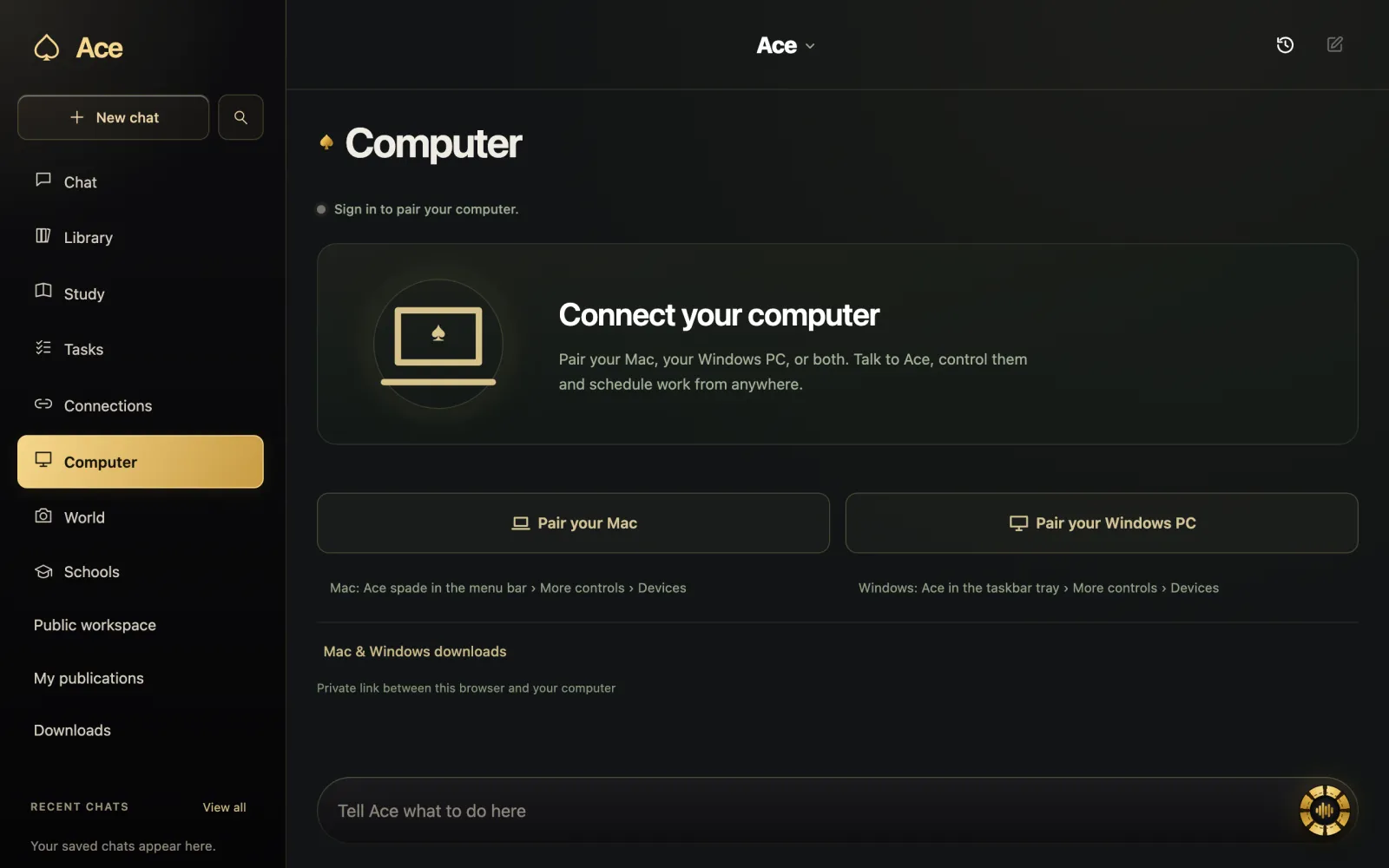
- Get help with the window in front of you: hold Ctrl + Shift and ask Ace, which looks at the screen when you ask.
- Work inside Office: Copilot in Word, Excel and Outlook with an eligible Microsoft 365 plan.
Should you upgrade for AI?
Start with Microsoft’s PC Health Check app, which tells you whether the PC meets Windows 11’s requirements; Microsoft notes it doesn’t check the graphics card or display. The minimums include a compatible 64-bit processor with two or more cores, 4 GB of memory, 64 GB of storage, UEFI with Secure Boot capability and TPM 2.0.
If what you want is a chat assistant, Windows 10 runs the apps above, and upgrading mainly buys security updates. If you want Click to Do, Recall or on-device translation, you need a Copilot+ PC, which means new hardware.
Staying safe while you decide
- Enroll in ESU, and keep Windows Update and Microsoft Edge current.
- Download AI apps only from their makers or the Microsoft Store.
- Keep passwords, ID numbers and other sensitive details out of AI chats.
- Back up your files before any upgrade.
More from Ace
The full overview of Ace for Windows is on tryacee.com/windows-ai-assistant.
Also asked
Is the Copilot app available on Windows 10?
Yes. Microsoft says the Copilot app can be used on Windows 10 and Windows 11. Copilot+ features need Windows 11 on a Copilot+ PC.
Will Copilot in Microsoft 365 keep working on Windows 10?
Microsoft says Microsoft 365 Apps on Windows 10 get feature updates and Copilot support, where eligible, until Version 2608, then stay on that version with security updates only until October 10, 2028.
Is Windows 10 ESU free?
It can be. Microsoft offers it at no extra cost if you sync your PC settings, or for 1,000 Microsoft Rewards points, or for a one-time $30 plus tax.
Does Ace run on Windows 10?
Yes. Windows 10 is on Ace’s platform list alongside Windows 11; hold Ctrl + Shift to talk to it.
Which AI features does Windows 10 miss compared with Windows 11?
Windows 11’s own AI features. Live captions need Windows 11 version 22H2 or later, and voice access replaced the deprecated Windows Speech Recognition on Windows 11. Everything that needs a Copilot+ PC stays off Windows 10 too: Click to Do, Recall, improved Windows search, the agent in Settings, live captions translation, and the Copilot+ features in Paint and Photos.
Is it worth upgrading from Windows 10 to Windows 11 just for AI?
Not for a chat assistant: Windows 10 runs the Copilot, Claude, Gemini, Perplexity and Ace apps, and upgrading mainly buys security updates. Click to Do, Recall and on-device translation need a Copilot+ PC, which is new hardware with a neural processor rated above 40 trillion operations per second, so a software upgrade alone won’t bring them.
How do I enroll my Windows 10 PC in Extended Security Updates?
Go to Settings > Update & Security > Windows Update and select Enroll now. You need Windows 10 version 22H2 and an administrator Microsoft account that isn’t a child account. Microsoft offers Extended Security Updates to home users through October 12, 2027, and one license covers up to 10 devices.
Is it safe to keep using AI on Windows 10 now that support has ended?
It carries more risk each month without security updates. Microsoft ended Windows 10 support on October 14, 2025, and AI tools send what you ask over the internet and often handle documents and email. Enroll in Extended Security Updates, keep Windows Update and Microsoft Edge current, download AI apps only from their makers or the Microsoft Store, and keep passwords and ID numbers out of chats.
Do Claude, Gemini and Perplexity run on Windows 10?
Yes. Each app lists Windows 10 or later. Gemini also asks for 8 GB of memory, and Perplexity needs version 1809 or later. Claude installs from claude.ai/download, Gemini from gemini.google/desktop, where it opens with Alt + Space, and Perplexity from the Microsoft Store or Perplexity’s own site.
How do I check if my Windows 10 PC can run Windows 11?
Run Microsoft’s PC Health Check app, which tells you whether the PC meets Windows 11’s requirements; Microsoft notes it doesn’t check the graphics card or display. The minimums include a compatible 64-bit processor with two or more cores, 4 GB of memory, 64 GB of storage, UEFI with Secure Boot capability and TPM 2.0. Back up your files before any upgrade.
How can I show an AI assistant what’s on my Windows 10 screen?
Press Windows key + Shift + S to copy part of the screen, then paste the image into the chat. Or hold Ctrl + Shift and ask Ace about the window in front of you; Windows 10 is on Ace’s platform list. Ace looks at your screen only when you ask, after you allow screen access.
Can I still use Copilot in Microsoft Edge on Windows 10?
Yes. Microsoft Edge keeps updating on Windows 10 version 22H2 until at least October 2028, and you can ask quick questions in the Copilot app or in Copilot in Edge. Keep Edge current along with Windows Update, and keep passwords, ID numbers and other sensitive details out of AI chats.
More questions
Deal yourself in.
More about Ace
Sources
- Windows 10 Extended Security Updates | Microsoft Windows, Microsoft. Checked November 14, 2026.
- Windows 10 end of support and Microsoft 365 Apps - Microsoft 365 Apps | Microsoft Learn, Microsoft Learn. Checked November 14, 2026.
- Windows 11 Specs and System Requirements | Microsoft Windows, Microsoft. Checked November 14, 2026.