How to get AI on Windows 11
Press the Copilot key, or Windows key + C, to open Copilot; new Windows 11 PCs should include it, and the Microsoft Store has it if yours doesn’t. Windows 11 also puts AI in everyday tools: voice typing (Windows key + H), live captions (Windows key + Ctrl + L) and text from screenshots in Snipping Tool. Copilot+ PCs add Click to Do, smarter search and more.

Free Play: 2,000 credits, no card. Ace by Black Label.

Open Copilot
- Press the Copilot key, or Windows key + C on a keyboard without one. You can also select Copilot on the taskbar or in Start.
- If it is missing, install Microsoft Copilot from the Microsoft Store.
- Sign in with a personal Microsoft account to keep chat history and to use image creation, longer conversations and voice.
- To choose whether the shortcut opens the full app or a smaller quick view, go to Account > Settings > Copilot Keyboard Shortcuts inside the app.
AI tools on every Windows 11 PC
| Tool | How to open it | What it does | Worth knowing |
|---|---|---|---|
| Voice typing | Windows key + H in any text box | Turns speech into typed text | Uses online speech recognition |
| Live captions | Windows key + Ctrl + L | Captions audio playing on the PC | Processed on the device; Windows 11 version 22H2 or later |
| Voice access | Settings > Accessibility > Speech, or Windows search | Opens apps, clicks and dictates by voice | English, Spanish, French, German, Italian, Japanese and Chinese |
| Snipping Tool text actions | Windows key + Shift + S, then Text actions | Copies text out of a screenshot | Recognition runs on the device; Quick redact hides emails and phone numbers |
| Image Creator in Paint | Inside Paint, signed in with a Microsoft account | Makes a picture from a description | Uses AI credits |
What Copilot+ PCs add
Copilot+ PCs are Windows 11 PCs with a neural processor (NPU) that performs more than 40 trillion operations per second, plus at least 16 GB of memory and 256 GB of storage. They run extra AI features on the device:
- Click to Do (Windows key + Q, or Windows key + click): act on text or an image on screen, for example to summarize, rewrite or remove a photo background.
- Improved Windows search: describe a file or setting in your own words in File Explorer, taskbar search or Settings.
- The agent in Settings: type the change you want, such as “my mouse pointer is too small”, and approve it.
- Live captions translation from more than 40 languages into English.
- Recall (preview): a searchable timeline of screen snapshots that stays off until you opt in.
- Cocreator in Paint and Restyle in Photos for image work.
Availability varies by region, and several Click to Do and File Explorer actions aren’t offered in the European Economic Area.
Is your PC a Copilot+ PC?
Open Settings > System > About and compare the processor and memory with the minimums above. Microsoft’s current list of Copilot+ chips includes AMD Ryzen AI 300 and 400 series, Intel Core Ultra 200V and 300V series, and Snapdragon X. If yours doesn’t qualify, the Copilot app and every tool in the table above still work.
Add an assistant app
Windows doesn’t limit you to Copilot. These apps install on Windows 11 and sign in with their own accounts; this guide is published by the team that makes Ace, the last one listed:
- ChatGPT: from the Microsoft Store, on any ChatGPT plan, including Free.
- Claude: from claude.ai/download.
- Gemini: from gemini.google/desktop; it opens with Alt + Space.
- Perplexity: from the Microsoft Store or Perplexity’s own site.
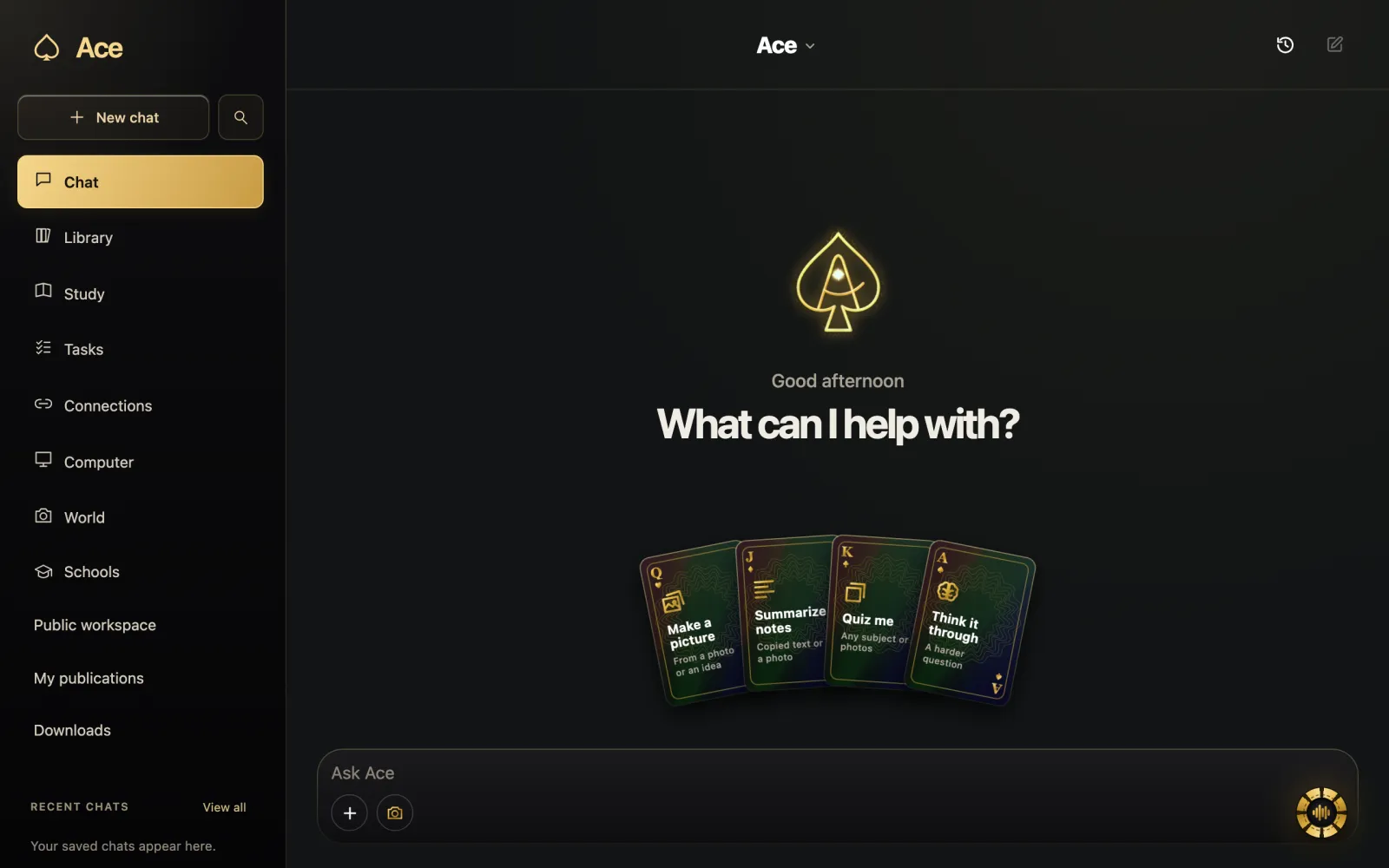
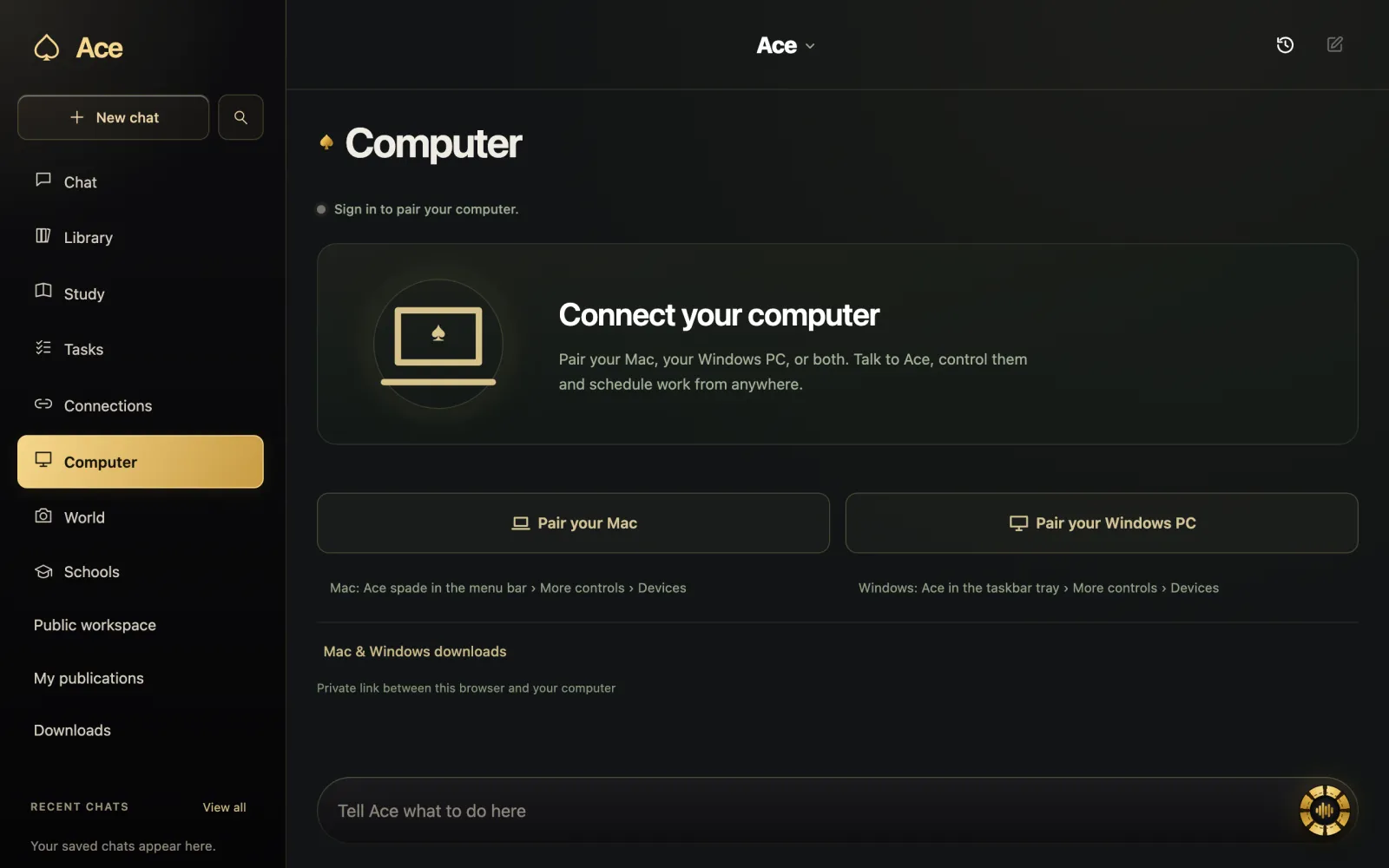
- Ace: open the official Ace download for Windows and sign in. Run the installer, open Ace, then hold Ctrl + Shift to talk and hear the answer.
On a Windows laptop
If your laptop has a Copilot key, it opens Copilot; otherwise Windows key + C does the same job. Voice typing saves a lot of typing on a small keyboard, and live captions help when you can’t turn the sound up. On PCs with a supported NPU, Windows Studio Effects can blur your background and adjust eye contact and framing on video calls. In a café or on a train, a headset makes every voice feature more reliable.
Turn on only what you will use
Each feature has its own switch. Recall saves nothing until you opt in, Click to Do can be turned off under Settings > Privacy & security > Click to Do, and in the Copilot app you can switch off saved memories and delete the ones already kept. For any assistant app, read what it sends when you ask before you grant microphone or screen access.
More from Ace
The full overview of Ace for Windows is on tryacee.com/windows-ai-assistant.
Also asked
Is Copilot already installed on Windows 11?
New Windows 11 PCs should include it. If yours doesn’t, install Microsoft Copilot from the Microsoft Store.
Do I need a Copilot+ PC to use AI on Windows 11?
No. The Copilot app, voice typing, live captions and Snipping Tool’s text actions work without one. Click to Do, Recall, improved search and the agent in Settings need a Copilot+ PC.
What does Windows key + C do?
It opens Copilot. When Copilot isn’t available, it opens or closes Windows search instead.
Can I get AI on a laptop without a Copilot key?
Yes. Windows key + C opens Copilot, and the other shortcuts on this page work the same on any laptop keyboard.
Which AI tools come with every Windows 11 PC?
Every Windows 11 PC has voice typing (Windows key + H), live captions (Windows key + Ctrl + L), voice access, Snipping Tool’s text actions and Image Creator in Paint. Turn voice access on under Settings > Accessibility > Speech, or open it from Windows search. Snipping Tool’s Text actions copy text out of a screenshot taken with Windows key + Shift + S, and Image Creator needs a Microsoft account and uses AI credits.
What extra AI features does a Copilot+ PC add?
It adds Click to Do, improved Windows search, the agent in Settings, live captions translation, Recall in preview, and Cocreator in Paint and Restyle in Photos, all running on the device. Click to Do (Windows key + Q) acts on text or an image on screen, and live captions translation works from more than 40 languages into English. Recall stays off until you opt in.
How can I tell if my PC is a Copilot+ PC?
Open Settings > System > About and compare your processor and memory with the minimums: a neural processor that performs more than 40 trillion operations per second, at least 16 GB of memory and 256 GB of storage. Microsoft’s current list of Copilot+ chips includes AMD Ryzen AI 300 and 400 series, Intel Core Ultra 200V and 300V series, and Snapdragon X.
Can I install ChatGPT, Claude or Gemini on Windows 11 instead of Copilot?
Yes. Windows doesn’t limit you to Copilot, and each app signs in with its own account. ChatGPT comes from the Microsoft Store on any ChatGPT plan, including Free. Claude downloads from claude.ai/download, and Gemini from gemini.google/desktop, where it opens with Alt + Space. Perplexity is in the Microsoft Store or on Perplexity’s own site.
Is Ace the same as the Copilot app on Windows 11?
No. Ace is a separate product from Black Label; Windows and Microsoft Copilot are Microsoft products. You get Ace from your free Ace account, hold Ctrl + Shift to talk, and it answers out loud. Free Play gives you 2,000 credits with no card. Compare assistants with the same task and check their current features, pricing and privacy terms.
Do I need a Microsoft account to use Copilot on Windows 11?
You need one to keep chat history and to use image creation, longer conversations and voice, so sign in with a personal Microsoft account. Image Creator in Paint also needs a Microsoft account sign-in and uses AI credits. Copilot inside Excel needs an eligible Microsoft 365 plan.
Can I keep Windows 11 AI features switched off until I need them?
Yes. Each feature has its own switch. Recall saves nothing until you opt in, Click to Do turns off under Settings > Privacy & security > Click to Do, and in the Copilot app you can switch off saved memories and delete the ones already kept. For any assistant app, read what it sends when you ask before you grant microphone or screen access.
Which Windows 11 AI tools run on the device rather than online?
Live captions are processed on the device and need Windows 11 version 22H2 or later, and Snipping Tool’s text recognition runs on the device too. Voice typing, by contrast, uses online speech recognition. On a Copilot+ PC, Click to Do and the other extra AI features also run on the device.
More questions
Deal yourself in.
More about Ace
Sources
- Windows 11 Specs and System Requirements | Microsoft Windows, Microsoft. Checked November 14, 2026.
- Access Microsoft Copilot on Windows | Microsoft Support, Microsoft Support. Checked November 14, 2026.